Podcasting
·
Oct 15, 2026
Podcast Hosting and RSS Feeds Explained in Plain English

Arif Gursel
Founder

Somewhere right now, a parent is standing at a bus stop in Columbia City, opening a podcast app, and tapping play on a show they found last week. They have no idea how that episode traveled from a recording studio to their phone. They do not need to know. You do, though, because the system that makes it work is the one piece of podcasting you set up once and then rely on for years: your hosting account and your RSS feed.
This is Part 19 of our series, and we are firmly in the Distribution stage. In Part 18, we talked about batching episodes and collaborating with editors and co-hosts so you can build a backlog without burning out. Now that you have finished episodes waiting, it is time to understand where they live and how they get everywhere. By the end of this post, you will know what a podcast host does, what an RSS feed actually is, how to choose a host without overpaying, and how to move to a new host later without losing a single listener.
Where our example creator, Tasha, is right now: a folder full of finished episodes
Let's check in with our illustrative creator. Tasha is a middle school science teacher in Rainier Valley building a podcast for parents of curious kids. Each episode answers one real question a kid asked, like "Why does the moon follow our car?" or "Can a fish get thirsty?"
After the batching sessions we described in Part 18, Tasha has five edited episodes, a trailer, and a square piece of cover art. Her illustrative editor, a friend named Marcus who works remotely, has been sending her final files. Everything is sitting in a folder on her laptop, and she has a nagging question: "How do I actually get this onto Apple Podcasts and Spotify? Do I upload it to each one separately?"
The short answer is no. You upload each episode once, to a podcast host. The host generates an RSS feed. Then you submit that feed to each platform one time, and every future episode flows out automatically. Once Tasha understood that, the whole Distribution stage stopped feeling like an endless chore list.
What an RSS feed actually is (in plain language)
RSS stands for Really Simple Syndication. Your feed is a text file written in a format called XML, stored at a web address that looks something like feeds.yourhost.com/yourshow. Podcast apps check that address regularly. When something new appears, they pull it into their catalog and push it to subscribers.
Think of your feed as a menu posted on the restaurant door. Apple Podcasts, Spotify, Pocket Casts, Overcast and dozens of other apps are diners who read the menu. You never hand food to each diner individually. You just update the menu, and they come get what they ordered.
What lives inside your feed
A feed has two layers of information.
Show-level details (set once, changed rarely):
Show title and author name
Show description
Cover art (Apple currently requires square artwork between 1400 x 1400 and 3000 x 3000 pixels, JPEG or PNG, in RGB color)
Category and subcategory (for Tasha, something like Kids and Family, or Education)
Language
Explicit content flag
Owner email (platforms use this to verify you own the show)
Episode-level details (one entry per episode):
Episode title and description (your show notes)
The audio file location, called the enclosure
Publish date and duration
Episode number, season number and type (full, trailer or bonus)
A unique ID called a GUID, which tells apps "this episode is this specific episode, forever"
You will almost never edit this XML by hand. Your host builds it for you from the forms you fill out. But knowing what is inside helps you understand why a typo in your show description, or the wrong category, ripples out to every app at once.
The audio file is not inside the feed
This trips up a lot of beginners. The feed does not contain your audio. It contains a link to your audio, which lives on your host's servers. When a listener presses play, their app fetches the file from the host. That is why hosting matters: the host stores your files, serves them to thousands of phones reliably, and counts the downloads.
What a podcast host does for you
A podcast host is a company that stores your audio files and generates your feed. Popular options include Buzzsprout, Libsyn, Captivate, Transistor, Podbean, RSS.com and Spotify for Creators (the free platform formerly known as Anchor). Each has a different mix of features, and their plans change often, so check current pricing and terms before you commit.
Here is what a good host handles:
Storage and delivery. Your files are served quickly to listeners anywhere, even when an episode suddenly gets shared widely.
Feed generation. Fill in a form, and the host writes valid RSS behind the scenes.
Analytics. Downloads by episode, by app, by country and over time. Look for hosts certified under the IAB Podcast Measurement Technical Guidelines, which set a common standard for counting a "download" so your numbers mean something to future sponsors.
Distribution helpers. Many hosts offer one-click or guided submission to the major directories.
Extras. Transcripts, chapter markers, a simple show website, embeddable players, scheduled publishing, dynamic ad insertion, private feeds and team accounts.
Why you should not host episodes on your own website
You could technically upload MP3s to a regular website server and write your own feed. Please do not. Standard web hosting is not built to serve large audio files to many listeners at once, it will not give you industry-standard download stats, and one server hiccup can make your episodes vanish from every app. A dedicated podcast host is cheap insurance.
How to choose a host without overthinking it
Tasha spent an evening opening fourteen browser tabs comparing hosts and closed them all feeling worse. If that sounds familiar, narrow it down with these questions.
Free versus paid
Free hosting exists, and it can be a fine place to experiment. But free plans often come with trade-offs: storage caps, limited analytics, episodes that expire after a set time on some free tiers, or terms that restrict how you monetize. Paid plans for an independent show commonly run somewhere between about $10 and $30 per month, usually tiered by how many hours of audio you upload monthly. Prices shift, so treat that as a rough range and confirm on each host's site.
The questions that actually matter
Can I leave easily? Confirm the host supports a 301 redirect when you migrate away (more on that below). This is non-negotiable.
Can I use my own domain for my feed? Some hosts let you set a custom feed address. That gives you more control long term.
Are the analytics IAB-certified? Important if you ever want sponsors.
Does it support video? If you plan a video version, check how the host handles it, since many audio hosts focus on audio and you may publish video separately to YouTube or Spotify.
Does it support modern feed features? Look for transcripts and chapters, which are part of the Podcasting 2.0 namespace, plus the "locked" tag that helps stop other services from importing your feed without permission.
Can my team log in? If an editor or producer publishes for you, multi-user access saves password-sharing headaches.
Tasha's priorities were simple: easy migration, solid analytics, transcripts (because many parents listen with kids nearby and like reading along), and a monthly price that fit a teacher's budget. That narrowed fourteen tabs to two.
This is a spot where a short conversation saves hours. The Union's content delivery services include distribution strategy, and a producer can help you sort out which trade-offs matter for your format and which ones you can ignore.
Uploading well: fast files and safe masters
Before episodes go up, get your files in order. A messy upload process is where most beginner mistakes happen.
File basics
Format: MP3 remains the most widely compatible podcast format. Many speech shows export at 128 kbps; mono can save file size for single-voice content, while stereo at 128 to 192 kbps suits shows with music.
Loudness: Apple recommends about -16 LUFS (plus or minus 1 dB). Consistent loudness means listeners are not grabbing the volume knob between your show and the next one.
File names: Use something clear like ep005-can-fish-get-thirsty.mp3. Avoid spaces and special characters.
Embedded metadata (ID3 tags): Many hosts add these automatically, but check that the title and artwork look right.
Where The Union's infrastructure comes in
Here is something that does not show up in most "how to start a podcast" guides: the moment you finish a session, your files are at their most vulnerable. They exist on one card or one drive, and you are tired.
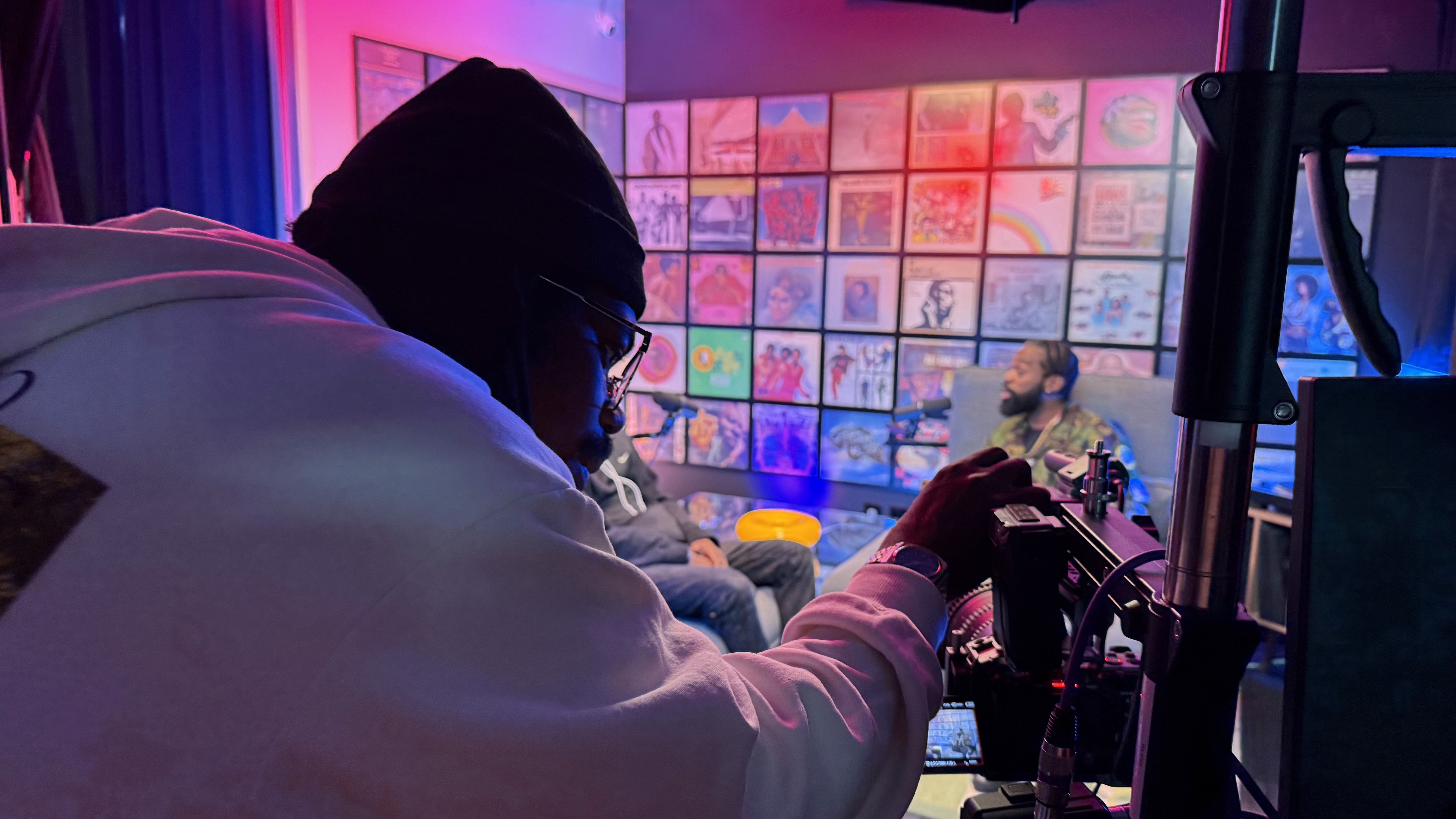
The Union's media lab runs on dedicated fiber internet up and down, which means large files move quickly, whether you are pushing an episode to your host or reviewing 4K footage while you are still on set. Integrated Blackmagic Cloud Storage keeps a remote editor in the loop, so someone like Tasha's illustrative editor Marcus can start working on raw files without waiting for a drive to be shipped or a slow home connection to finish uploading overnight.
Tasha now works like this: record in the morning on a set in the Blue Pill studio, such as The Cove, confirm the files are synced before she leaves, and let Marcus pull them from the cloud that afternoon. When he sends back the final mix, she can upload to her host from the pre/post-production room and check the episode in a podcast app before she walks out the door.
Keep your masters
Your host is a distribution service. It is not an archive. Always keep your original recordings, your project files and your final exports somewhere separate. If you ever migrate, change editors or want to re-release a remastered season, you will be glad you did.
Submitting your feed (a preview)
Once your host generates a feed and you have at least one episode published (many creators start with a trailer), you submit that feed URL to each directory. Apple Podcasts uses Apple Podcasts Connect. Spotify accepts RSS submissions through Spotify for Creators. YouTube now lets creators connect an RSS feed to deliver audio podcasts in many regions, though video uploads work differently. Smaller apps often pull from the Apple directory or the Podcast Index automatically.
We will walk through each platform step by step in the next part. For now, the key idea is this: you submit once per platform, and new episodes follow automatically whenever you publish on your host.
Migration: how to switch hosts without losing listeners
Maybe you start on a free plan and outgrow it. Maybe you find a host with better analytics. Switching is common, and if you do it correctly, listeners never notice.
The secret is the 301 redirect. Your old host places a permanent redirect on your old feed address, pointing to your new one. Apps that check the old address are told "this show has moved," and they update automatically. Your new feed should also include a tag called itunes:new-feed-url, which most hosts add for you during import. Apple's guidance asks you to keep the redirect in place for at least four weeks; many hosts recommend keeping it much longer, and permanently is safest.
Use this checklist when you move:
Back up everything first. Download your audio files, artwork and show notes, and save a copy of your current feed URL.
Open your new hosting account and use its import tool, pasting in your old feed URL.
Verify the import. Check that every episode came across with the correct title, date, artwork and, crucially, the same GUID. Changed GUIDs can cause apps to treat old episodes as new ones and flood subscribers with duplicates.
Confirm show-level details: title, author, category, explicit flag and owner email.
Set up the 301 redirect at your old host, pointing to your new feed URL.
Do not delete your old account yet. Keep it active (on the cheapest plan if needed) so the redirect stays live.
Check each directory. In Apple Podcasts Connect, Spotify for Creators and elsewhere, confirm the feed URL updates. This can take a few days.
Publish your next episode only on the new host and confirm it appears in apps.
Update links on your website, newsletter and social profiles if they point to your old host's player or page.
One honest note on analytics: your download history usually stays with the old host and does not merge cleanly into the new one. Export a report before you switch so you have a record of your growth.
Common mistakes to avoid
Deleting an episode to fix a typo. Edit the episode in your host instead. Deleting and re-uploading can create a new GUID and confuse apps.
Using a personal email you might abandon as the owner email. Platforms use it to verify ownership. Use one you will keep for years.
Changing your show title constantly. Small tweaks are fine, but frequent changes hurt discoverability.
Uploading your raw master as the episode file. It is huge, slow to download and may sound inconsistent next to other shows.
Canceling the old host the same day you migrate. The redirect dies with the account.
Panicking over download numbers. Counts vary by method, and industry-wide numbers shifted after Apple changed automatic download behavior in 2023. Watch your trend over time, and do not compare raw totals with someone on a different host.
You do not have to figure this out alone
The Union exists to make this part of the journey feel less lonely. It was established in 2018 and is a nonprofit program of PACE, and its production studios were built so that educators, artists and entrepreneurs can create without owning a closet full of gear or knowing every technical detail on day one. Members have been making podcasts there since before the remodel that created more than 15 production sets across the Blue Pill and Red Pill studios. Jolyn GC, for example, records her podcast Wealth Rituals at The Union.
The community side matters at this stage too. Workshops, webinars, the digital library and eLearning give you places to keep learning, and the meeting rooms on the 20th floor are a good spot to sit down with a co-host and map out your publishing plan. If you would rather hand off the technical publishing, The Union's producers handle post-production through publishing copy: mixed audio, show notes, captioned clips and thumbnails, ready to go live.
Do this this week
Set aside one hour and work through these steps:
Write down your three non-negotiables for a host (for Tasha: easy migration, IAB-certified analytics, transcripts).
Pick two hosts that meet them and read their current pricing pages.
Choose a long-term owner email for your show.
Confirm your cover art meets Apple's size requirements.
Create a folder structure for masters, project files and final exports, and decide where your backup copy will live.
Bonus: sign up for one host's free trial and upload your trailer as a private or draft episode, just to see how the feed is built.
Coming up next
In Part 20, we take Tasha's new feed and get it live: a step-by-step walkthrough of publishing to Apple Podcasts, Spotify and YouTube, including what each platform needs and how video fits in.
Start your story at The Union
Hosting and RSS can feel like the most technical corner of podcasting, but it is really a one-time setup that pays off for years. If you would like a producer to look over your plan, help you choose a host, or simply show you how files move from the studio to your feed, the team would love to hear from you. Email contact@theunion.io or call 206-551-0964.
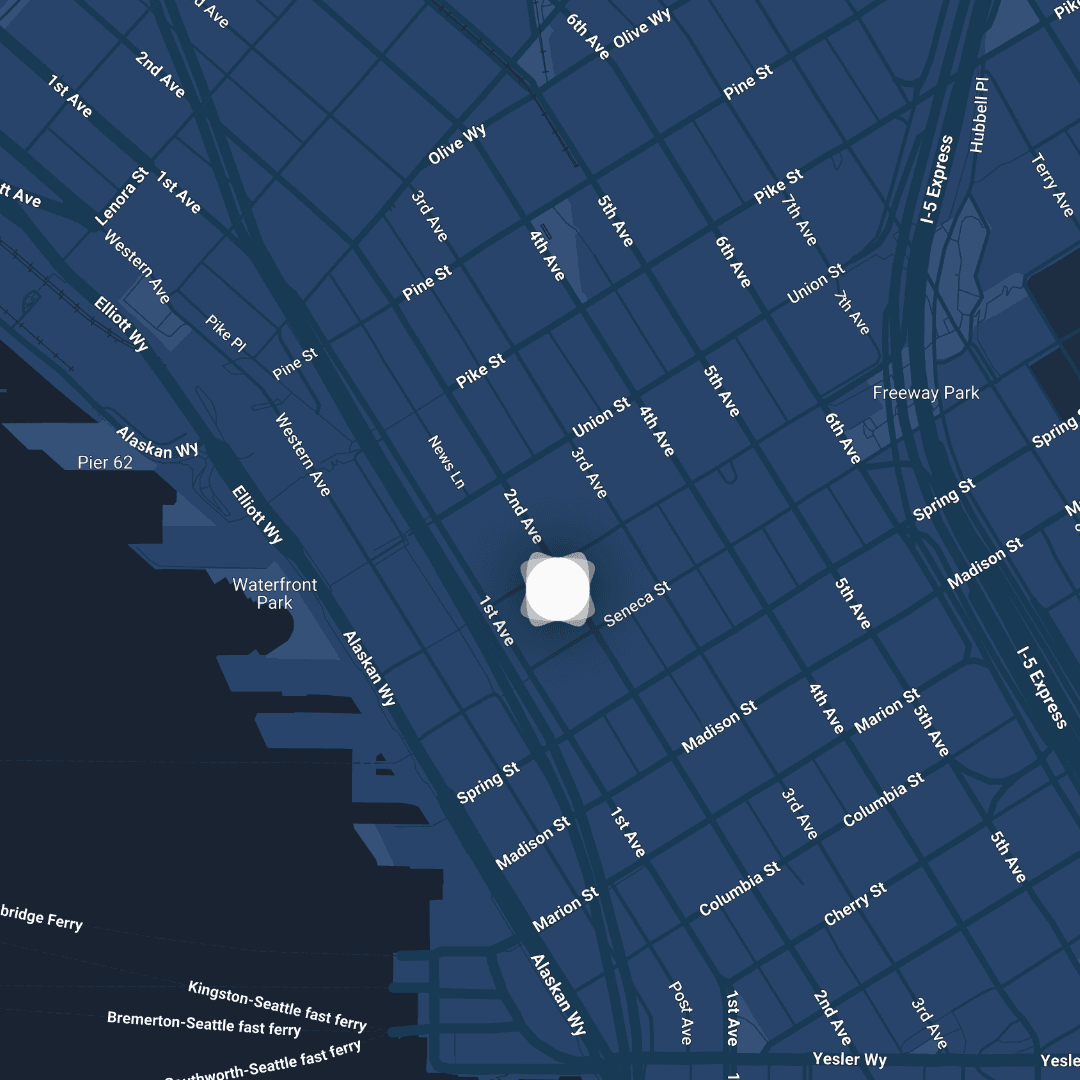
You can book the studio as a guest by appointment (9 AM to 5 PM, Monday to Friday) without a membership. If you are ready to make The Union your creative home, apply for membership. The CoCreate Podcast membership is $300 per month with a $100 sign-up fee and a two-month commitment, and it includes the media lab for DIY and full-service productions plus pre-paid parking for you and your guests. There is currently about a one-month waitlist, so applying now means you will be ready when your episodes are. If you want to start smaller, the CoMmunity membership is $50 per month with no sign-up fee and includes discounted consultations, a simple way to get expert eyes on your distribution plan. Come by 1200 2nd Ave in downtown Seattle and start building the show you have been imagining.
The full series
This is Part 19 of 24 in Starting a Podcast at The Union (Distribution stage). Previous: Part 18, Batch Your Episodes and Bring in Help to Keep Your Schedule Sane. Next: Part 20, Get Your Show on Apple Podcasts, Spotify, and YouTube.