
Our example creator, Tasha, has a live feed. At the end of the hosting stage she had a hosting account, an RSS feed that validated without errors, a short trailer, and three finished episodes waiting in the queue. Each one answers a real question a student asked her, starting with a sixth grader's "Why do my ears pop on the light rail tunnel?" It is a great start, and a lonely one. As Tasha (our illustrative middle school science teacher from Rainier Valley) put it to a friend: "I built the house. Now how do people find the front door?"
This post is about that moment. You will learn how one RSS feed becomes listings on Apple Podcasts, Spotify, and YouTube, what each platform asks of you, how to write a listing a busy parent will actually tap, and how to get all of it done in one focused sitting. You do not need to be technical. You need a clean feed, a checklist, and a quiet place to work through it.
One feed, many front doors
Here is the idea that makes distribution feel manageable: you do not upload your show to Apple or Spotify. You upload it once, to your host. Your host publishes an RSS feed, and the big listening apps read that feed on a schedule. When you add an episode, the apps notice it and show it to listeners. The feed is your house; each app is a different front door into it.
That means your real job today is a one-time introduction. You tell each platform, "Here is my feed, it belongs to me, please list it." After that, publishing a new episode is mostly a single action in your hosting dashboard.
YouTube is the partial exception. It can read your feed, but it is a video platform first, so you have a choice to make there. We will get to it.
A quick reality check on where people listen: Apple Podcasts, Spotify, and YouTube are consistently the three biggest destinations for podcast listening in the United States, and their relative share shifts from survey to survey and year to year. Do not chase whichever one "won" this year. Be on all three, and let your own analytics tell you where your audience lives.
Your pre-flight check before you submit anything
Platforms judge your show the moment you submit it. Reviewers and algorithms see your artwork, title, description, and first episodes immediately, and a sloppy first impression is harder to fix than to prevent. Tasha blocked out a morning and ran this list before touching a single submission form.
Validate your feed. Paste your RSS URL into a free podcast feed validator (Podbase and Cast Feed Validator are two common ones). Fix every error. Warnings are worth reading too.
Confirm the owner email in your feed. Spotify verifies ownership by sending a code to the email listed in your RSS feed. If that is an old address or your host's placeholder, you will get stuck. Make sure it is an inbox you can open today.
Check your artwork. Apple's current spec is a square image between 1400 x 1400 and 3000 x 3000 pixels, JPEG or PNG, in RGB color. Most platforms accept the same file, but specs do change, so check each platform's help page before you export.
Have at least one real episode live. A trailer is helpful, and most directories want to see actual content too. Tasha published her trailer plus her first full episode before submitting.
Set your explicit flag honestly. Tasha's show is clean, so she marked it that way. Mislabeling content can get a show pulled.
Pick your categories (more on this below) and set your language.
Write your show description and save it in a document so you can paste it consistently everywhere.
Gather your logins. You will need an Apple Account, a Spotify account, and a Google account with a YouTube channel. Set up two-factor authentication now so you are not hunting for codes mid-submission.
If any item on that list makes you pause, that is exactly the kind of thing a short consultation clears up. The Union's services include distribution strategy as part of content delivery, so a producer can look at your feed, artwork, and copy before you hit submit. CoMmunity members get discounted consultations, which makes this a low-cost way to have experienced eyes on your launch.
Submitting to Apple Podcasts
Apple Podcasts is still the directory many other apps pull from, so getting listed there has ripple effects. Several independent apps, such as Overcast and Pocket Casts, use Apple's directory or the open Podcast Index to find shows.
The steps
Go to Apple Podcasts Connect and sign in with your Apple Account. Listing a free show costs nothing.
Choose to add a new show and select the option to add a show with an RSS feed.
Paste your feed URL. Apple pulls in your title, artwork, description, and episodes.
Review the details, confirm your contact information, and submit for review.
Apple reviews new shows before they appear publicly. Review times vary; many shows are approved within a day or two, and it can take longer. You will get an email either way. If Apple flags something, it is usually artwork, a metadata issue, or a title that looks like keyword stuffing.
After approval
Apple refreshes feeds automatically, so new episodes typically appear within hours of publishing on your host. If one seems slow, Apple Podcasts Connect lets you request a refresh. Copy your public Apple Podcasts link and save it. You will need it for your website, show notes, and social bios.
Submitting to Spotify
Spotify's creator tools now live under the name Spotify for Creators (previously called Spotify for Podcasters). If your host offers a one-click "distribute to Spotify" button, you can use that. Otherwise, the manual route is straightforward.
The steps
Sign in to Spotify for Creators and choose the option to add an existing show using an RSS feed.
Paste your feed URL.
Spotify sends a verification code to the owner email in your feed. Enter it. (This is why item two on the checklist matters.)
Add your category, language, and country, then submit.
Spotify often lists shows within hours, sometimes a bit longer. Once you are live, the Spotify for Creators dashboard shows listener stats, and Spotify offers interactive features such as polls and Q&A on episodes. Tasha plans to use a Q&A prompt on every episode: "What question did your kid ask this week?" It doubles as an idea pipeline for future episodes.
One note on video: Spotify supports video podcasts, but how you get video there depends on your hosting setup and changes over time. If video on Spotify is part of your plan, check your host's current Spotify integration before you record, so your file formats line up.
Going live on YouTube: pick your path
YouTube treats podcasts as playlists on a channel, and those playlists can also surface in YouTube Music. There are two main ways in, and the right one depends on whether you are recording video.
Path A: let YouTube read your RSS feed
In YouTube Studio, you can create a podcast by submitting your RSS feed (this feature is available in the United States and some other countries). YouTube turns each audio episode into a video with your artwork as a still image and adds new episodes automatically. It is the fastest route for audio-only shows. Your channel may need to be verified first, and the feature's details evolve, so follow YouTube Studio's current prompts.
Path B: upload full video episodes
If you record video, upload each episode as a full video and mark the playlist as a podcast in YouTube Studio. This is more work per episode, and it gives you a much richer presence: real faces, real reactions, custom thumbnails, and chapters. For a show built on curiosity, watching someone react to a weird science fact is half the fun.
Choose one path for a given show. Running both on the same episodes creates duplicates that confuse viewers and split your stats.
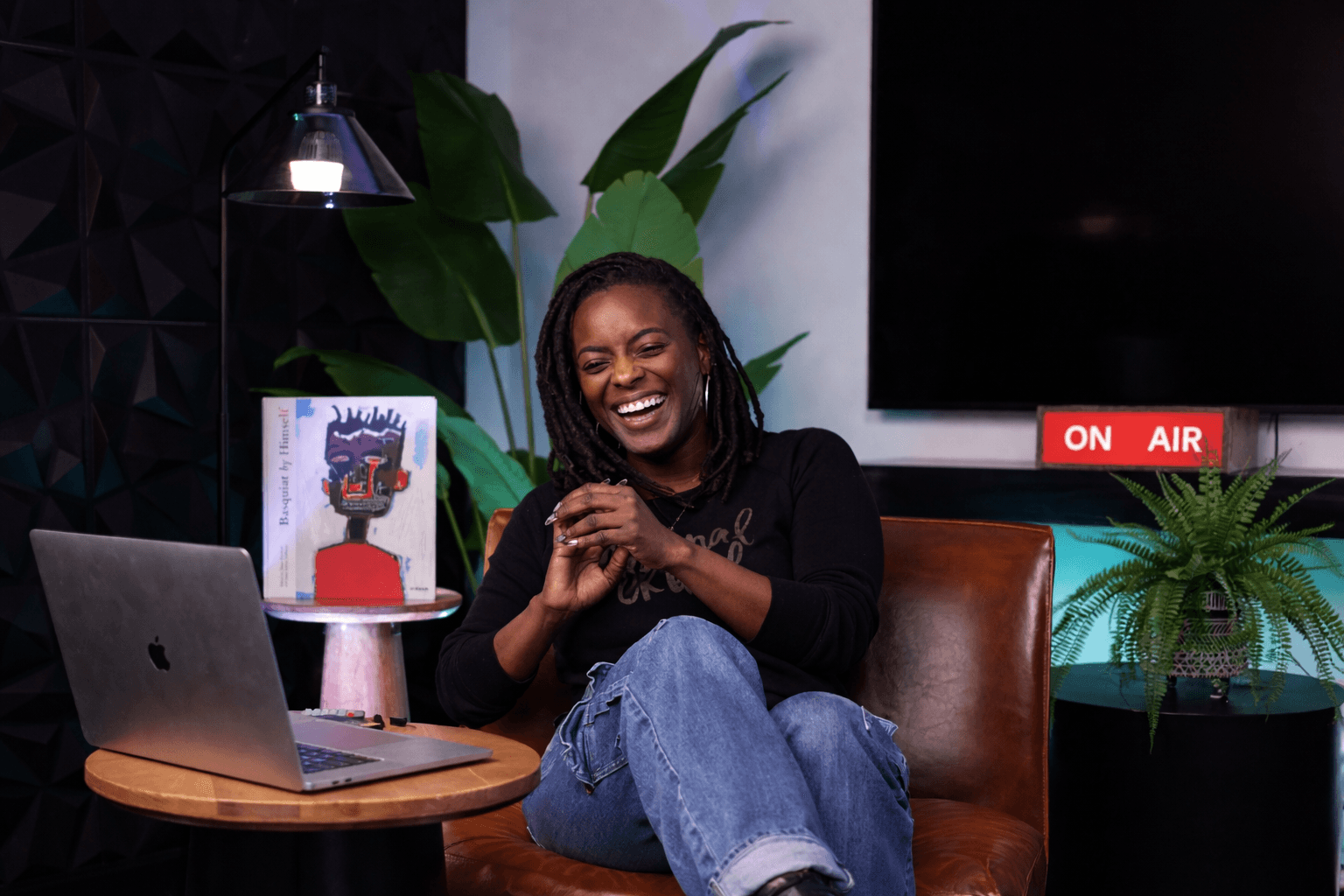
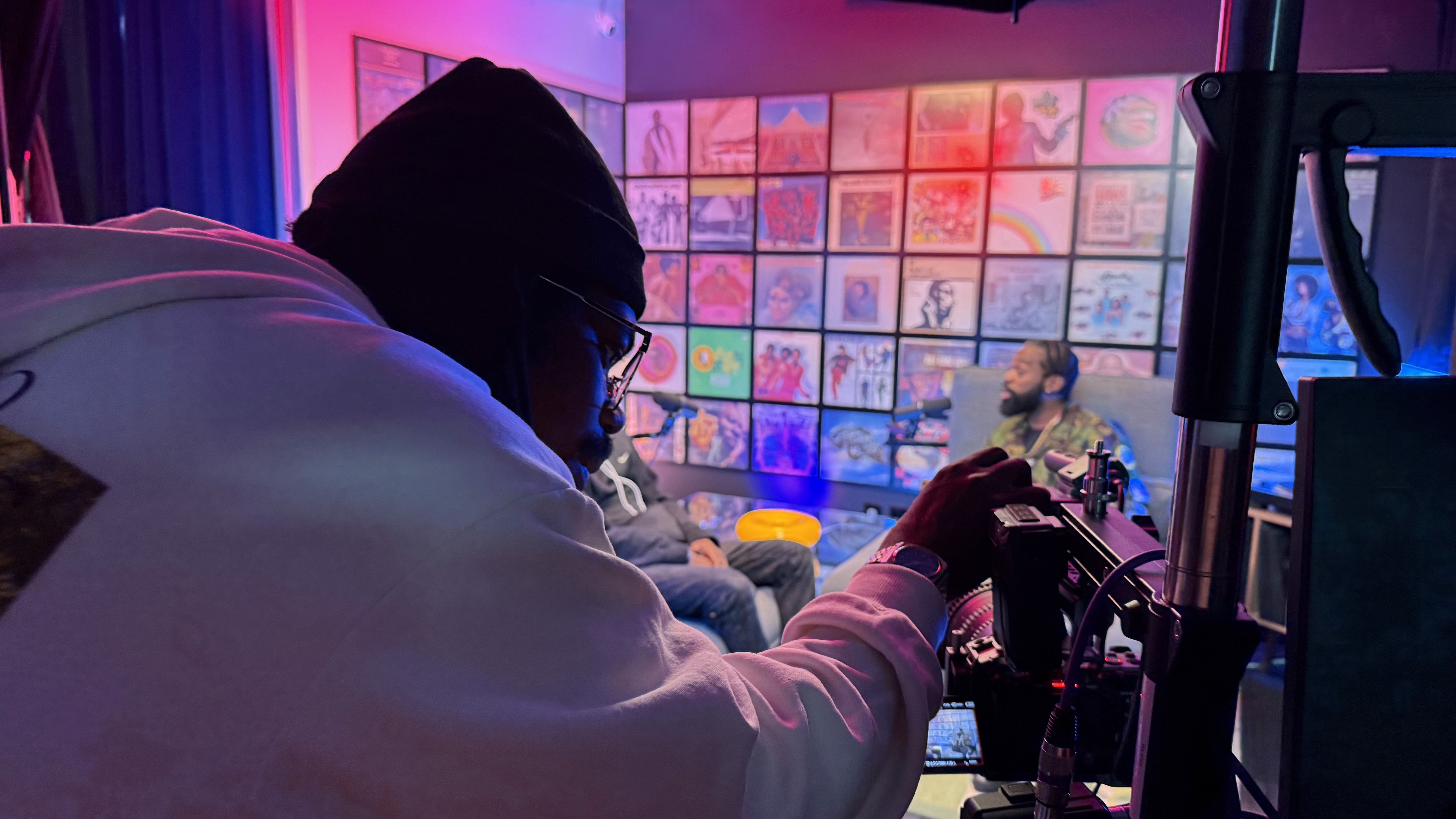
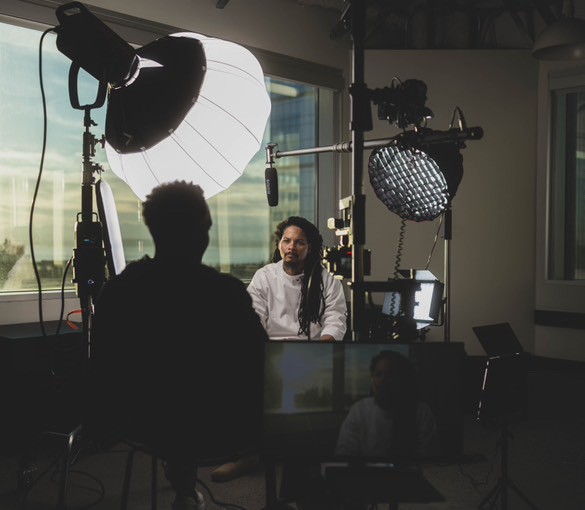
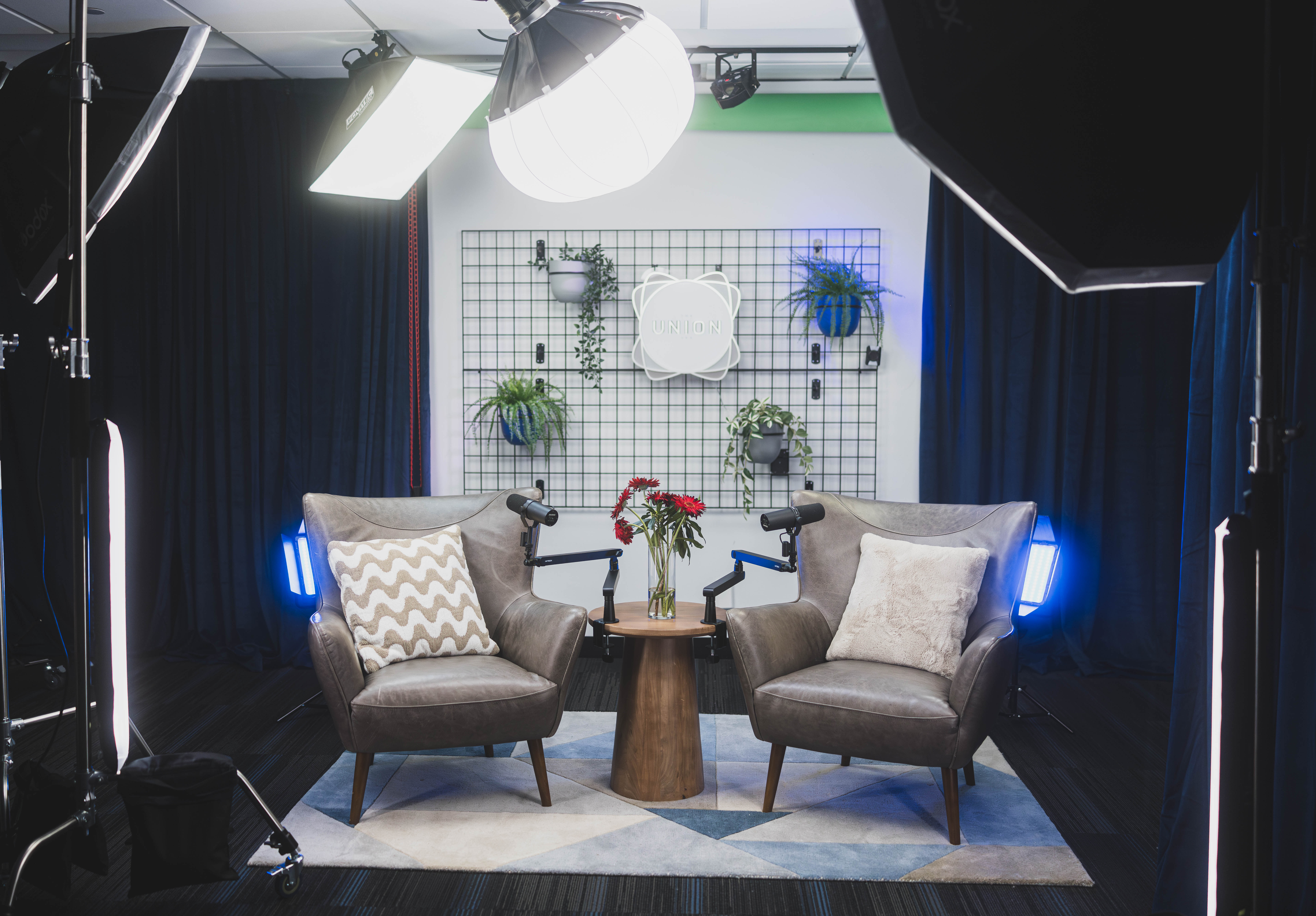
This is where the studio side of The Union comes in. Tasha started audio-only, then realized her best moments were visual: she was holding up a balloon and a bottle to explain air pressure. So she booked time to record her next batch on video. The Union's two production studios each hold a range of sets, including The Cove in the Blue Pill studio and Talk Show in the Red Pill studio. The modular sets and color backdrops mean a single session can cover the episode, a trailer, and a few thumbnail portraits without a long reset. If you are curious which set fits your show's personality, a studio walkthrough answers that faster than any photo can.
The "made for kids" setting
YouTube requires every channel and video to declare whether it is made for kids, under U.S. children's privacy rules. Content marked made for kids loses features like comments and personalized ads. Tasha's show is aimed at parents, so it is likely not made for kids, but this decision is legally yours. Read YouTube's guidance carefully and choose based on who the content is actually for. If your show lives anywhere near the kids space, this is a good question to raise with a producer before launch.
Optimizing your listings so people actually tap
Submission gets you listed. Optimization gets you chosen. On every platform, a listener decides in a few seconds based on four things: artwork, show title, description, and episode titles.
Show title
Keep it clear and memorable. If the name is clever, a short descriptive subtitle helps. Do not cram in keywords; Apple's guidelines specifically discourage keyword stuffing in titles and author names, and it can get a show rejected.
Show description
Many apps truncate descriptions, so the first one or two sentences do most of the work. Answer three questions fast: who is this for, what do they get, and how often. Tasha's opening reads like this: "Every week, a Seattle science teacher answers one real question a kid asked, in about 15 minutes, so you have the answer ready at dinner." Then she adds detail lower down.
Episode titles
Lead with the question. "Why do your ears pop in a tunnel?" beats "Episode 4: Pressure."
Put episode numbers in the metadata. Your host has fields for episode number, season, and episode type (full, trailer, bonus). Apple uses these, and it keeps titles clean.
Keep it under about 60 characters where you can, since apps and search results cut off long titles at varying lengths.
Categories
Apple lets you choose categories and subcategories, and the first one listed carries the most weight. Tasha debated between Kids & Family (Parenting or Education for Kids) and Science. She chose Kids & Family with the Parenting subcategory as primary, since her listener is the parent, and added Science as a secondary category. There is no perfect answer; pick where your ideal listener already browses.
Artwork
Test your artwork at thumbnail size, roughly the size of a fingernail on a phone. Big, high-contrast title text and one strong image read best. On YouTube video episodes, custom thumbnails matter even more, and a quick portrait session against one of the studio's color backdrops gives you a library of images to reuse.
If writing copy is not your favorite thing, The Union's post-production support includes show notes, publishing copy, thumbnails, and pull-quotes. Some creators write everything themselves; others hand off just the parts that drain them.
Tasha's publishing day at The Union
Tasha teaches all day, and her home is not a quiet place in the evenings. She learned quickly that multi-platform publishing goes much faster in one uninterrupted block than in five scattered evenings. So she treated her launch like a workday and planned it at The Union.
Here is how the day looked in this illustrative example:
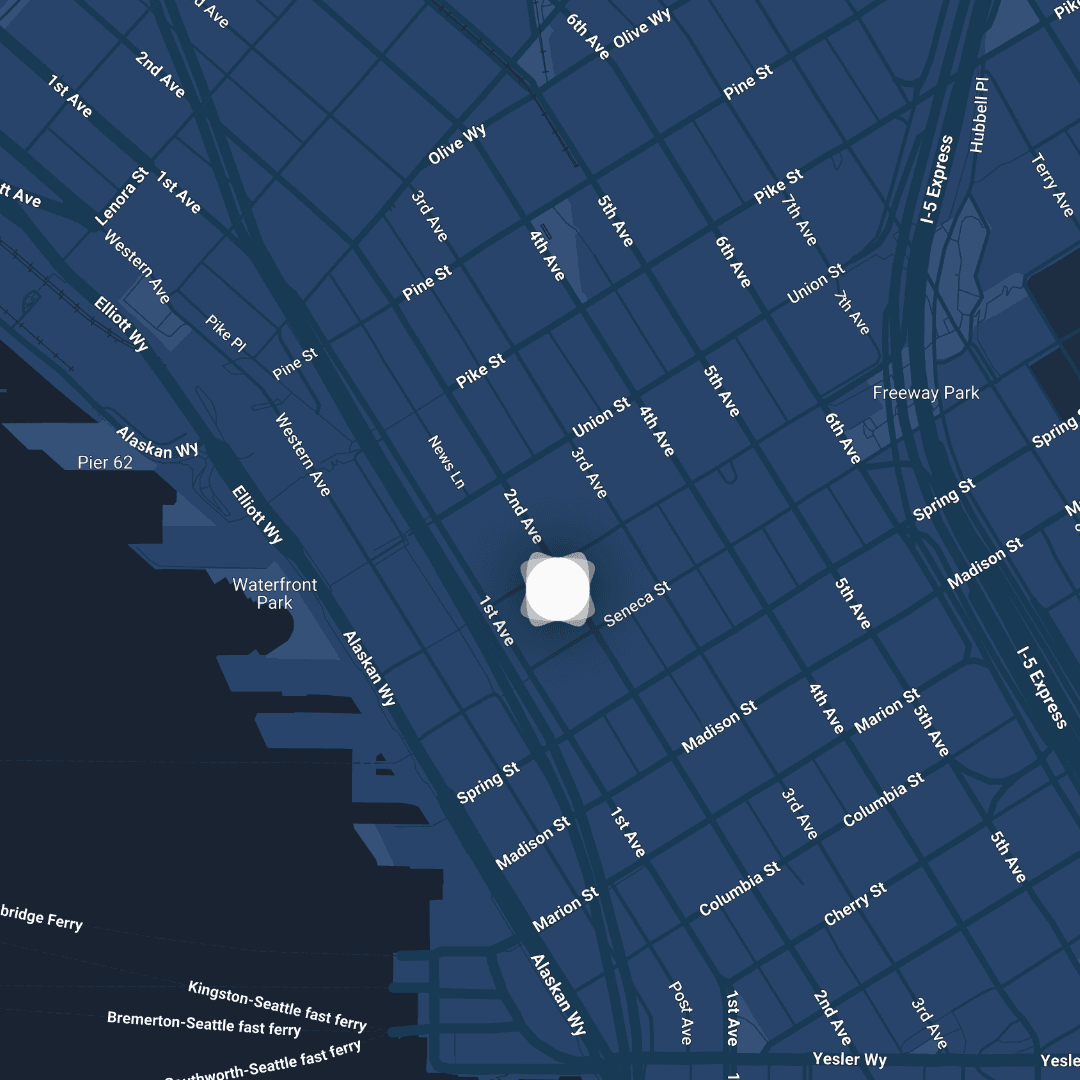
Morning, workspace on the 20th floor. She grabbed one of the first-come, first-served office spaces, opened her checklist, and ran the feed validator. A CoWorking Hybrid Worker membership ($100/month, with a $50 sign-up fee and a 3-month commitment) includes drop-in coworking and bookable meeting and creative space, which fits creators who need a reliable home base more than a daily desk.
Late morning, the submissions. Apple, then Spotify, then YouTube Studio. She kept a simple spreadsheet: platform, date submitted, status, public link.
Lunch in the Commune. She talked with another member about episode titles and walked away with a sharper title for episode three. That kind of hallway feedback is a real benefit of working in a space full of entrepreneurs, artists, and educators.
Afternoon, copy and links. She wrote show notes, updated her bio links, and drafted the launch email to her school's parent list.
For video sessions, the studio's fiber internet and Blackmagic Cloud storage mean files can move to an editor quickly, even a remote one, so the gap between recording and publishing shrinks. The pre/post-production room gives you a place to review and finalize before anything goes live.
Real members move between audio and video in this same building. Jolyn GC records her podcast Wealth Rituals at The Union and co-hosts The Come Up Series on YouTube, which is a good reminder that one creator can live comfortably in both worlds.
Common mistakes that slow launches down
An unreachable owner email. The most common reason Spotify verification stalls.
Submitting with zero episodes. Publish at least the trailer and one full episode first.
Different descriptions on every platform. Write once, paste everywhere, and keep the voice consistent.
Changing your feed URL later without a redirect. If you ever switch hosts, use your old host's 301 redirect feature so platforms follow you. Never just abandon the old feed.
Duplicating YouTube episodes through both RSS ingestion and manual uploads.
Ignoring the "made for kids" setting on YouTube.
Forgetting the smaller doors. Amazon Music and Audible, iHeartRADIO, and Pocket Casts each have their own submission paths, and the open Podcast Index feeds many newer apps. Once the big three are done, spend twenty minutes on these.
Do this this week
Give yourself one two-hour block. Run the eight-point pre-flight checklist above, then submit your feed to Apple Podcasts and Spotify. Start a simple tracking sheet with four columns: platform, date submitted, status, and public link. Finally, rewrite your three most recent episode titles so each one leads with the question or promise. If you hit a snag you cannot solve in 15 minutes, write it down and bring it to a consultation instead of losing an evening to it.
Once Tasha's links were live, she noticed something: her downloads spiked the day she shared a 30-second clip in a parents' group chat. Being listed is one half of distribution. Being seen is the other.
Coming up next
In Part 21, Social Clips & Repurposing, we turn one episode into a week of short videos, quotes, and posts, and follow Tasha as she learns which 30 seconds actually make parents hit play.
Start your story at The Union
You do not need to own gear or have every platform figured out to launch a podcast. You need a clear plan, a dependable place to work, and people who have done this before. The Union has supported Seattle creators since 2018, and its team can help with everything from distribution strategy to recording video episodes on sets in the Blue Pill and Red Pill studios.
If you want a home base for focused publishing days, the CoWorking Hybrid Worker membership is $100/month. If you are ready to record in the media lab with DIY or full-service support, the CoCreate Podcast membership is $300/month, with a $100 sign-up fee and a 2-month commitment (there is currently a waitlist of about a month). Not ready to commit? Guests can book the studio by appointment, and CoMmunity members ($50/month) get discounted consultations.
Email contact@theunion.io or call 206-551-0964 to ask a question or schedule a walkthrough. You can book the studio as a guest today, or apply for membership and join a community of educators, entrepreneurs, and artists building Seattle's creative economy one episode at a time.
The full series
This is Part 20 of 24 in Starting a Podcast at The Union (Distribution stage). Previous: Part 19, Podcast Hosting and RSS Feeds Explained in Plain English. Next: Part 21, Turn One Episode Into a Week of Social Clips.